A smooth, distraction-free workflow is key to keeping creativity on track, and we’re always looking for ways to make Stocksy an even better place for that. With this quarterly update, we’re excited to highlight the Q3 features and improvements that aim to make sourcing and licensing visual media a more efficient and joyful experience.
Group Accounts Redesign
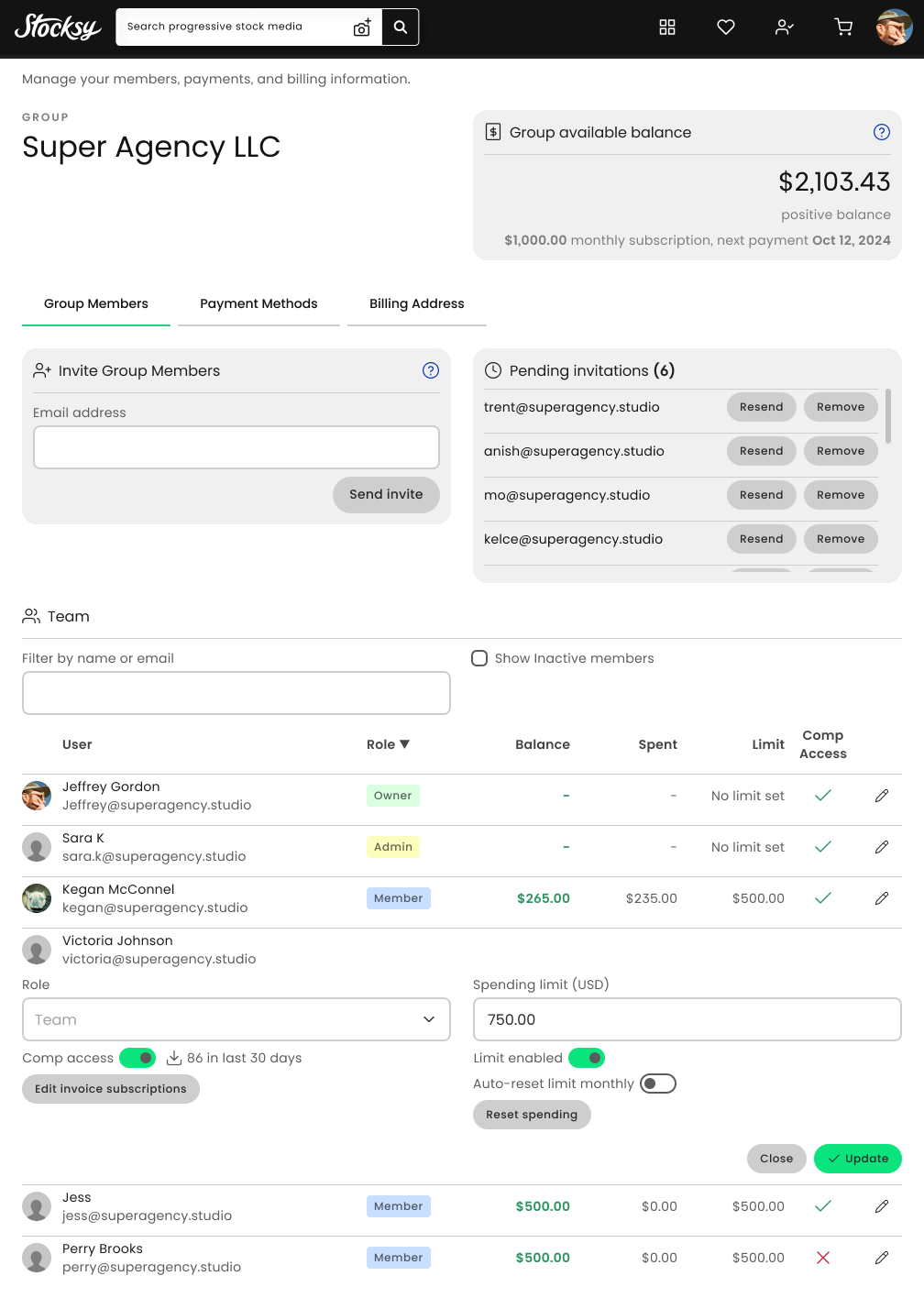
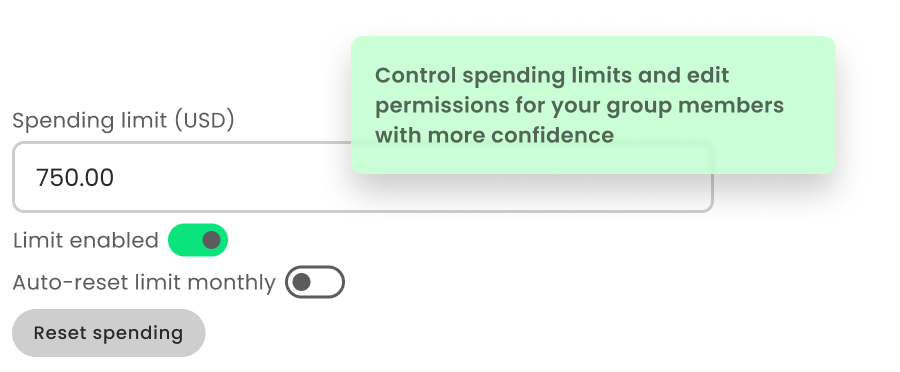
We’re dedicated to making this a more powerful tool for Group Account Owners and Admins to be able to monitor their team’s activity, manage permissions, and stay on top of spending.
- A complete rebuild of the UI
- More distinct interactive components
- A more clear flow for editing the settings of group members
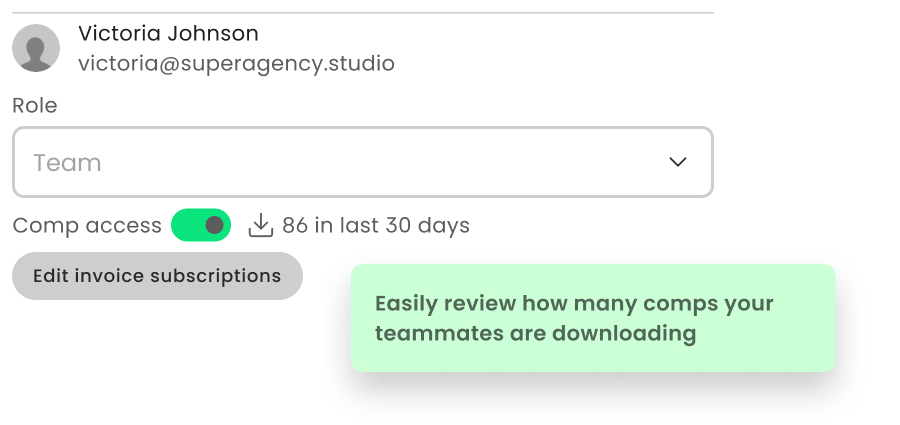
- New display of comp assets downloaded by a group member in the last 30 days
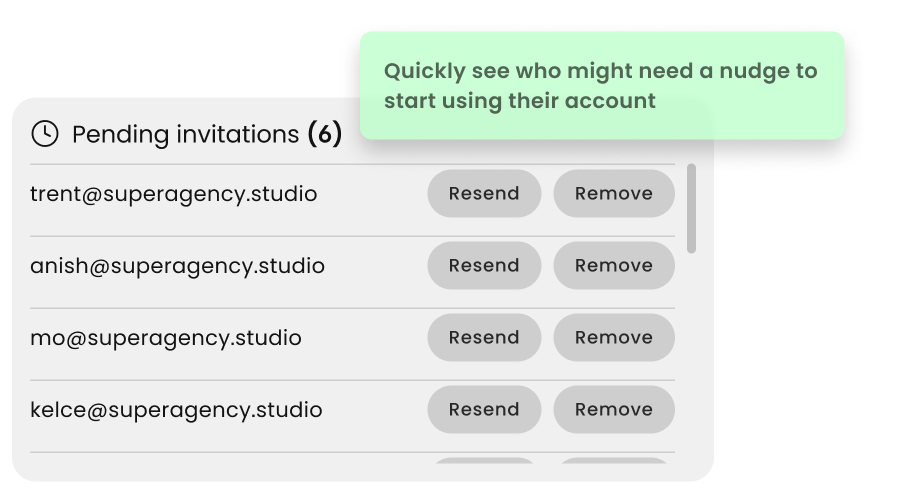
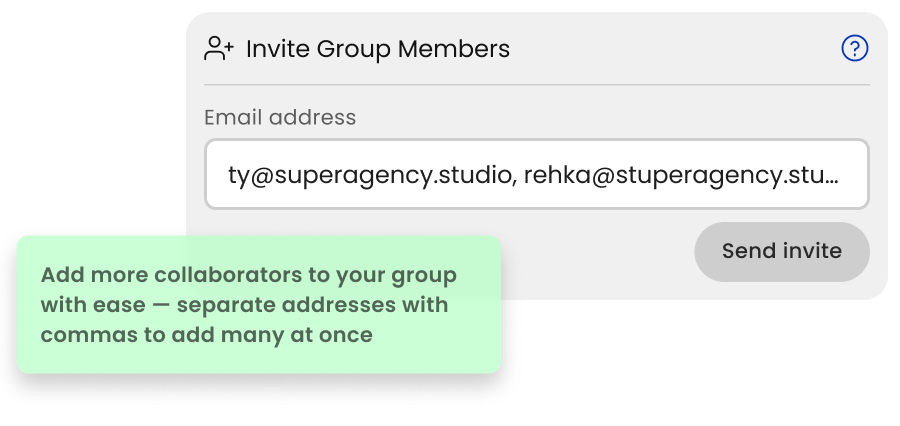
- Improved invitations for simpler and more reliable addition of group member
Don’t have a Group Account? Want one? Learn more here.
Button updates on asset details pages
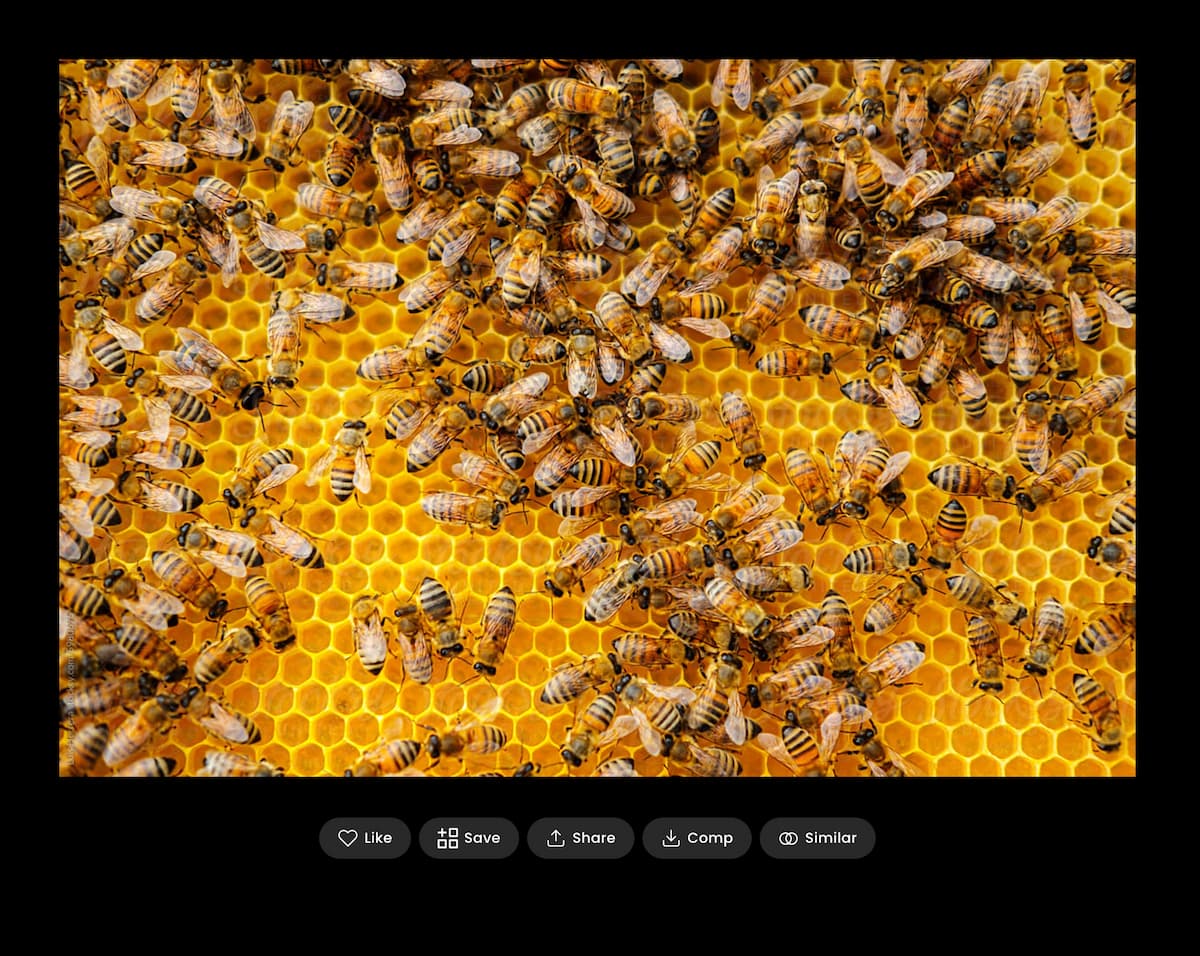
We made some adjustments to the actions alongside assets, so here’s a refresher:
- Like: great for quickly saving an asset that you don’t know where to organize yet, this collects it into your Likes
- Save: for collecting the asset into a new or existing gallery. We’ve updated this with a new icon to better reflect the action of adding to a gallery.
- Share: for our keen Pinterest collectors, we’ve added a new feature in here to quickly share to your boards there. Also in here you can quickly copy the asset page’s URL (the address bar of your browser will always work too).
- Comp: download a copy of the asset file to use for evaluation purposes (not for any licensed usage). If you have Comp Access through your account, this will be a full-size unwatermarked file (learn more about getting that access: Stocksy for Business)
- Similar: a quick shortcut down the page to where we highlight More From This Series, From This Artist, From This Model and our two models of suggested assets based on relevant aesthetics, concepts and metadata Conceptually Similar and Visually Similar
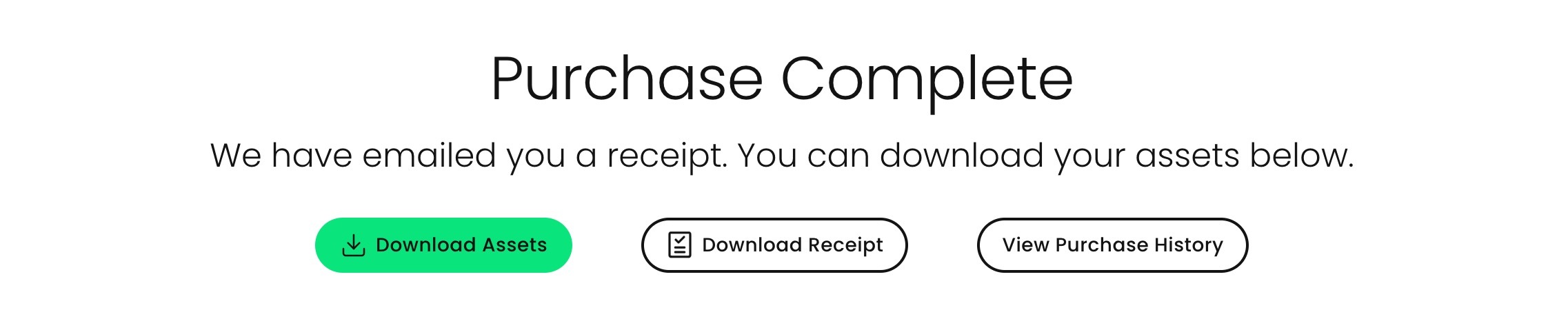
Download all assets after purchase
Once a purchase is complete, on the confirmation page we’ve added a button to quickly download a zip of all the assets within your purchase. You can also find similar functionality for any past purchase on your Purchase History page (stocksy.com/purchasehistory).
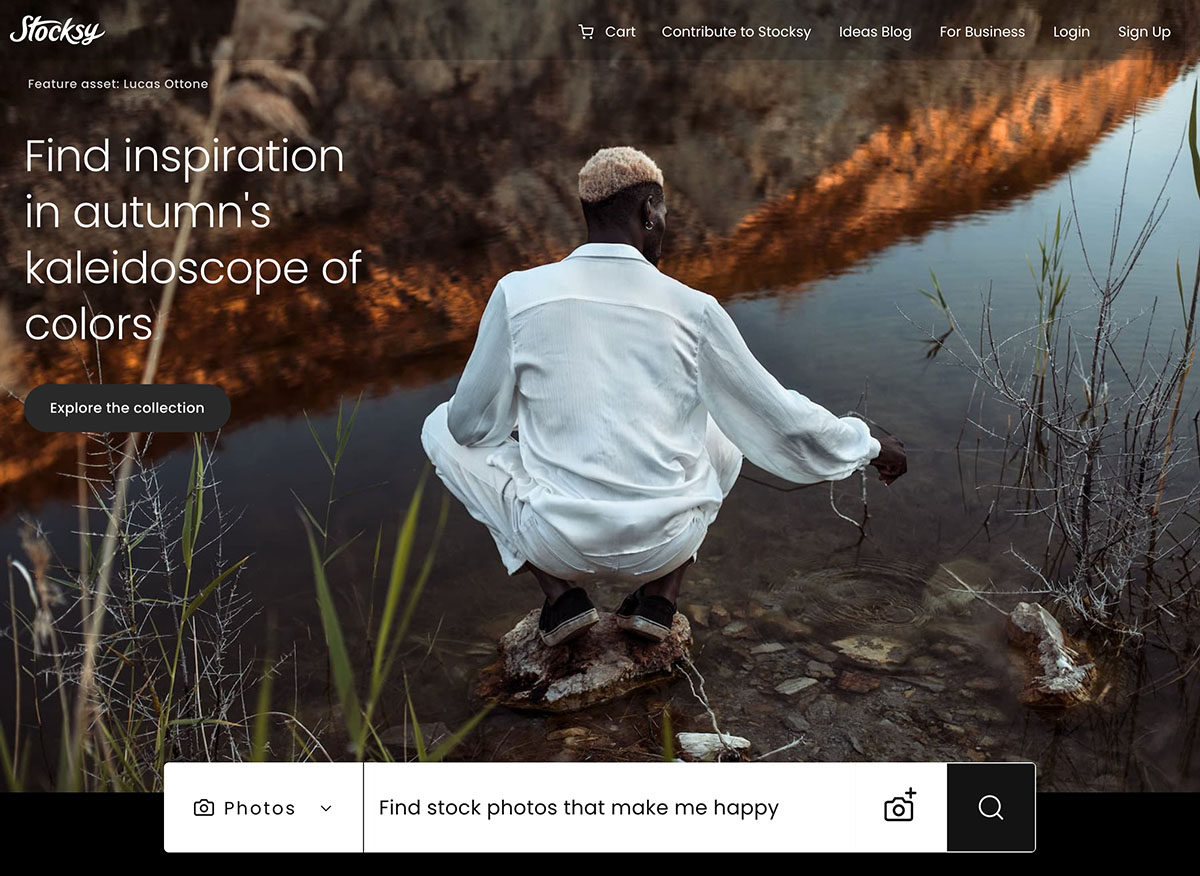
Redesigned homepage hero section
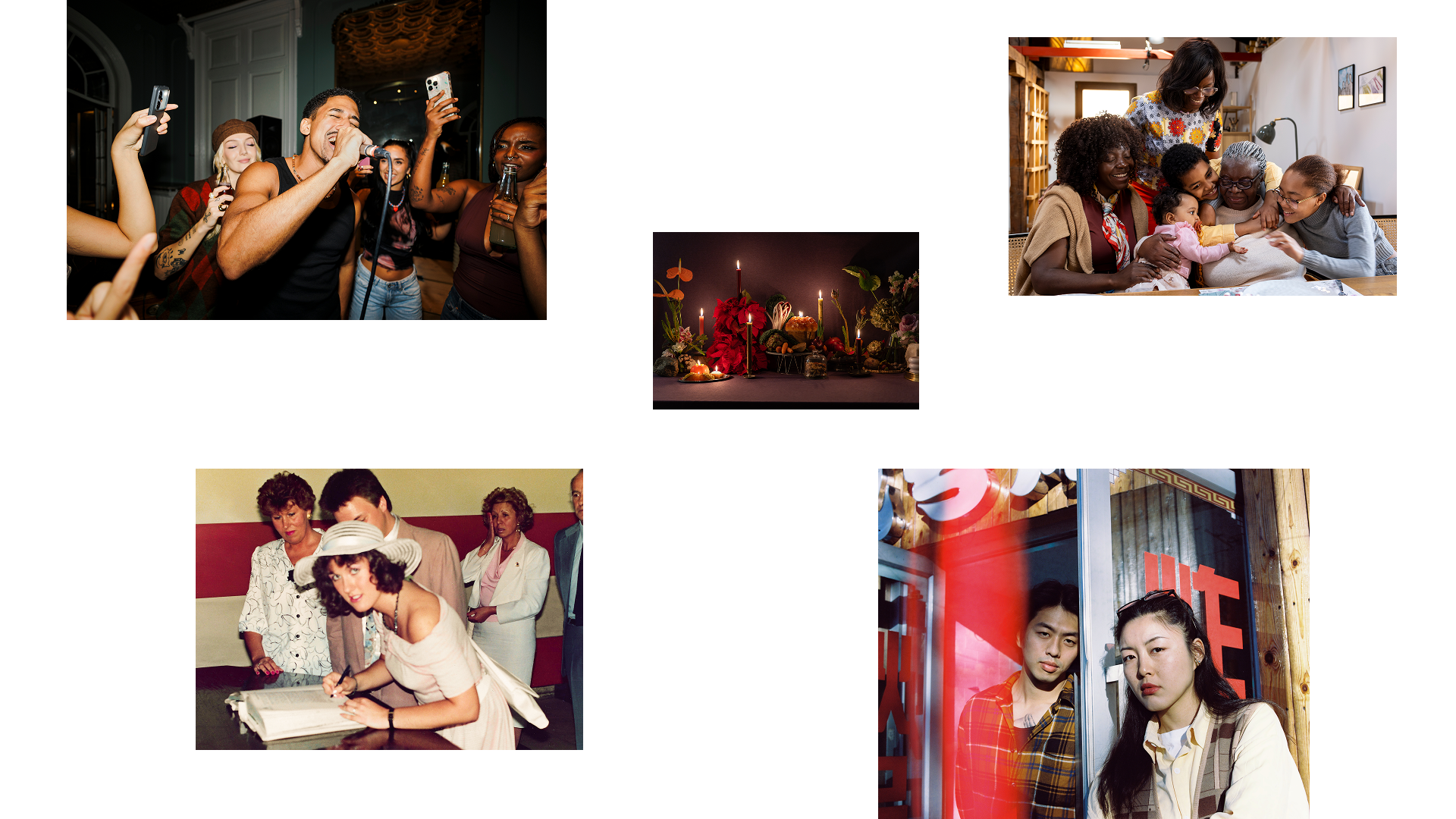
We wanted to do better justice to the quality of the imagery we’re so proud to host in our collection, so we redesigned this first-impression area for a more fullscreen, impactful experience. We update this content each week, so come back often to see what’s fresh.
That’s all for now. Have fun with your new capabilities and we’ll see you in a few months with more new features to play with.
Explore all the new stuff on Stocksy